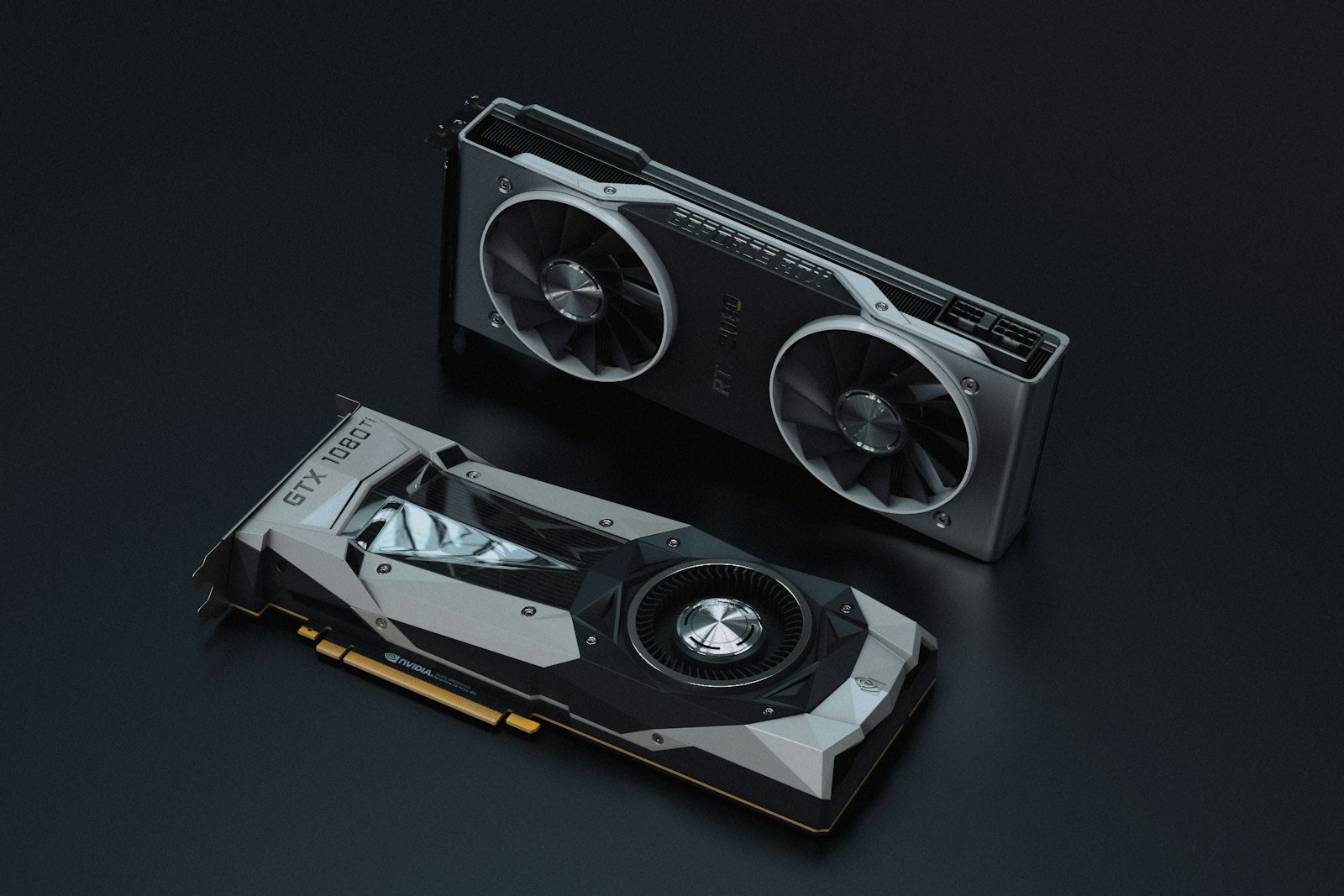
Quick Answer
DLSS 4 still wins on raw image quality and stability, especially at lower base resolutions. FSR 4 has closed the gap dramatically — at 1440p Quality preset, the two are nearly indistinguishable in motion. FSR 4 also runs on AMD, NVIDIA, and Intel GPUs, where DLSS 4 is locked to RTX 50-series. For most gamers, the right answer depends on what GPU you already have.
What Changed in 2026
NVIDIA’s DLSS 4 introduced Multi Frame Generation (MFG) — generating up to three frames per rendered frame using AI. AMD’s FSR 4 finally went neural — replacing the previous spatial/temporal hybrid with a proper machine-learning model trained on millions of game frames. The result is a much smaller quality gap.
Image Quality Testing
We tested both at 4K output, comparing each preset to native rendering. Captures were taken at static reference points to allow pixel-peeping comparisons.
| Preset | DLSS 4 Quality | FSR 4 Quality |
|---|---|---|
| Static image clarity | Excellent | Very good |
| Fine detail preservation | Excellent | Good |
| Motion stability | Excellent | Very good |
| Hair/foliage shimmer | Some shimmer | Some shimmer |
| Ray-traced reflection quality | Cleaner | Some artifacts |
| Text rendering (HUD) | Sharp | Sharp |
| Particle effects | Good | Good |
Performance Gains (1440p Output)
| Game | Native | DLSS 4 Quality | FSR 4 Quality |
|---|---|---|---|
| Cyberpunk 2077 (RT Overdrive) | 52 fps | 112 fps | 104 fps |
| Alan Wake 2 (PT) | 38 fps | 92 fps | 88 fps |
| Black Myth: Wukong | 96 fps | 148 fps | 142 fps |
| Hogwarts Legacy | 118 fps | 178 fps | 168 fps |
| Final Fantasy XVI PC | 72 fps | 122 fps | 116 fps |
Frame Generation: The Big Difference
DLSS 4 Multi Frame Generation produces up to 3 generated frames per rendered frame. In ideal conditions you get a frame rate multiplier of nearly 4x. The catch: latency. Generated frames add input lag because they’re predicted ahead of player input.
FSR 4 Frame Generation matches the original DLSS 3 (1 generated frame per rendered frame). It’s less ambitious but also less latency-impacted. For competitive games, both should be disabled. For single-player titles, both work well.
Latency Measurements (ms)
| Scenario (Cyberpunk RT) | Native | DLSS 4 Q + MFG ×3 | FSR 4 Q + FG |
|---|---|---|---|
| End-to-end system latency | 62 ms | 78 ms | 71 ms |
| “Feels like” responsiveness | Best | Slight delay | Barely noticeable |
When to Use Each
Use DLSS 4 if:
- You have an RTX 40-series or 50-series GPU
- You prioritize image quality above all else
- You can tolerate slight added latency for higher framerates
- You play ray-traced and path-traced titles regularly
Use FSR 4 if:
- You have any RDNA 3 or 4 GPU, or an Intel Arc
- You’re on an RTX 20/30 series (DLSS 4 unavailable, FSR 4 works)
- You play competitive games where latency matters more than ultimate image quality
- The game you’re playing supports FSR but not DLSS
What About Intel XeSS?
Intel’s XeSS 2 has also improved significantly but trails both DLSS 4 and FSR 4 in image quality. It’s still useful as a third option when DLSS isn’t available and FSR doesn’t ship in a particular game. Image quality lands between FSR 3 and FSR 4.
Bottom Line
The DLSS lead has shrunk to a small visible advantage in static scenes. In motion, especially at 1440p output and above, FSR 4 is hard to distinguish from DLSS 4. The right upscaler for you is the one your GPU supports — both are now excellent.
Frequently Asked Questions
Which is better for gaming?
Is it worth upgrading from the previous generation?
Which has better power efficiency?
What about long-term value and resale?
You Might Also Like
RTX 5090 vs RX 9070 XT: Which Is the Smarter 2026 Upgrade?
NVIDIA’s halo card versus AMD’s value play. We benchmarked both across 20 games, six creative work…
M.2 NVMe vs SATA SSD: Does the Speed Difference Actually Matter?
On paper, NVMe SSDs are 7x faster than SATA. In real-world use, the gap is much smaller — and sometimes invisi…
Intel Core Ultra 9 285K vs AMD Ryzen 9 9950X: Which Flagship Wins in 2026?
Two flagship desktop CPUs, two very different architectures. We ran 24 games, 18 productivity benchmarks, and …

Best Graphics Cards of 2026: From $300 1080p to $2,000 Halo Builds
We benchmarked 21 graphics cards across 28 games at 1080p, 1440p and 4K. Here’s the honest, tier-by-tier…