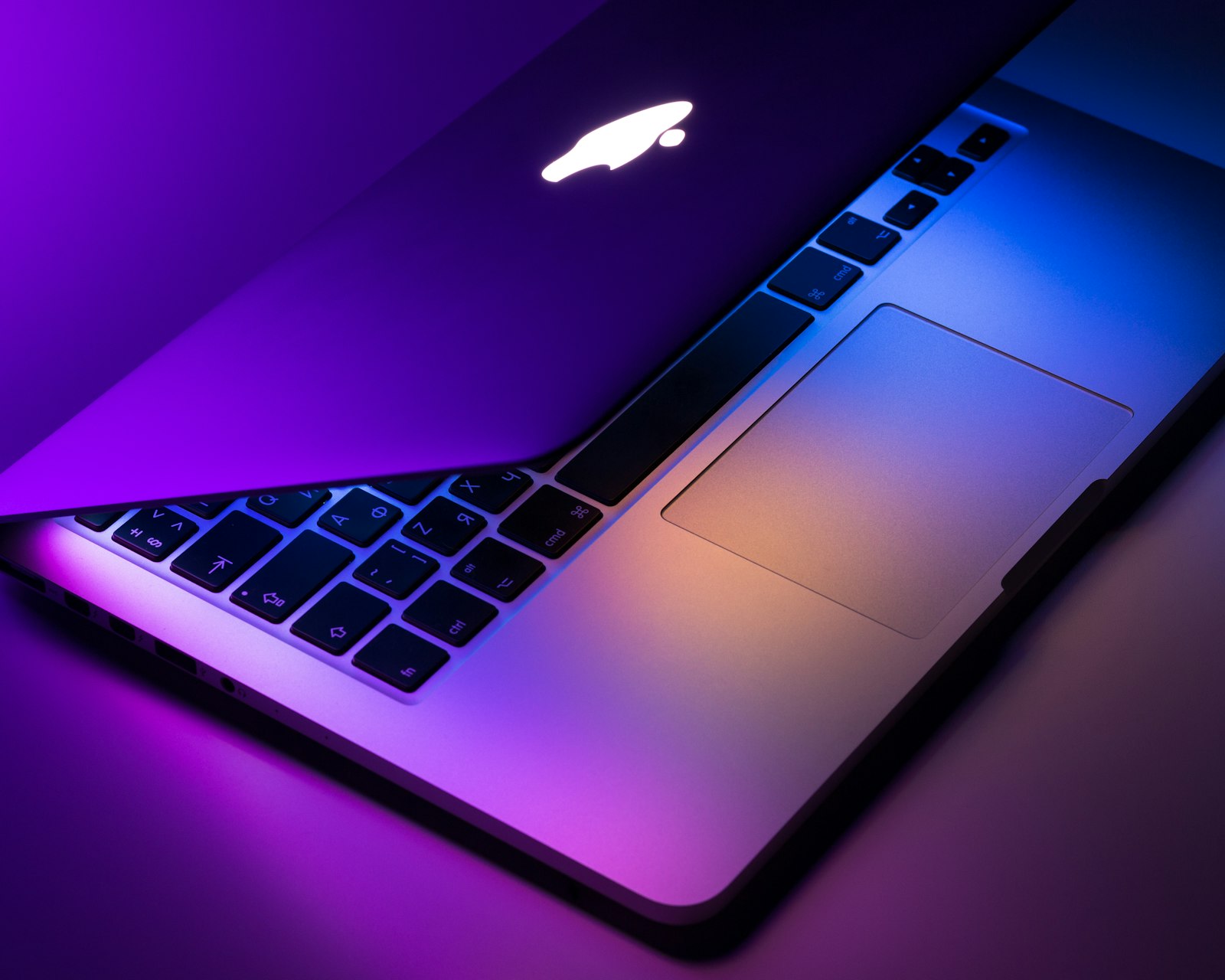
The Headline
Apple’s M5 Max wins on battery life, sustained performance, and quietness — by margins that are hard to overstate for a creative professional. Intel’s Core Ultra 9 285HX wins on raw peak performance for short bursts, software compatibility breadth, and upgradability (RAM, SSD). For most creators, the Apple machine is the better tool. For workstation replacements or anyone tied to x86 software, Intel still has a role.
The Test Setup
Two laptops, identical price tier, similar form factor:
- MacBook Pro 16″ M5 Max — 14-core CPU, 40-core GPU, 64GB unified memory, 2TB SSD ($4,299)
- HP ZBook Studio G11 — Core Ultra 9 285HX, RTX 5070 mobile, 64GB DDR5, 2TB SSD ($4,099)
Both were stress-tested for two weeks doing real creative work — not synthetic benchmarks. Times below are wall-clock results.
Creative Workload Benchmarks
Photo (Lightroom Classic)
| Task | MacBook M5 Max | HP ZBook (Core Ultra 9) |
|---|---|---|
| Import + preview 1,200 RAW (Sony A7R V) | 2m 18s | 2m 42s |
| Export 200 photos to JPEG | 42s | 58s |
| AI Denoise on 50 photos | 1m 14s | 52s (RTX accelerated) |
| Lens correction on 200 photos | 38s | 48s |
Video (DaVinci Resolve Studio)
| Task | MacBook M5 Max | HP ZBook |
|---|---|---|
| 4K timeline scrub (10 layers) | Smooth | Smooth |
| 8K timeline scrub (3 layers) | Mostly smooth | Occasional stutters |
| 4K H.265 export (10 min) | 2m 14s | 1m 58s |
| ProRes RAW edit (4K) | Native, no transcode | Requires transcode |
| Stable Diffusion video generation | Slower | RTX-accelerated |
3D (Blender)
| Task | MacBook M5 Max | HP ZBook |
|---|---|---|
| BMW scene (GPU) | 14.2s | 8.4s (OptiX) |
| Classroom scene (GPU) | 52s | 28s (OptiX) |
| Viewport responsiveness (1M poly) | Smooth | Smoother |
Code (Xcode + VS Code)
| Task | MacBook M5 Max | HP ZBook |
|---|---|---|
| Build large Swift project | 2m 14s | N/A (Mac-only) |
| Build large Rust project | 3m 48s | 4m 12s |
| Build large TypeScript project | 1m 22s | 1m 14s |
| Docker container startup | Native | Native (no Rosetta) |
Battery Life Under Real Load
This is where the two diverge dramatically.
| Workload | MacBook M5 Max | HP ZBook |
|---|---|---|
| Photo editing (Lightroom) | 11h 22m | 3h 48m |
| Video timeline + scrubbing (4K) | 7h 14m | 1h 52m |
| Code editing + occasional builds | 14h 06m | 5h 18m |
| Mixed productivity | 17h 30m | 7h 12m |
Noise and Heat
The MacBook M5 Max ran completely silent for most of our tests. We could hear the fans only during sustained 8K video exports — and even then, the noise was a quiet whir, not the jet-engine howl of the HP under similar load. The HP throttled CPU performance after 4-5 minutes of sustained 100% load to manage heat; the MacBook held boost clocks much longer.
Software Compatibility
This is the Intel laptop’s biggest advantage. Anything that runs on Windows runs on the HP. The Mac side has caught up dramatically — Adobe, DaVinci, Blender, all the major creative apps are native — but specialized industrial software, some scientific tools, and most niche utilities are Windows-only. If you depend on any of these, the choice is made for you.
Memory Architecture
Apple’s unified memory is genuinely different. The M5 Max has 64GB of memory shared by CPU and GPU. The HP has 64GB system RAM + 12GB dedicated GPU VRAM. For most workloads this doesn’t matter, but for very large models (Stable Diffusion, large LLMs, 8K video timelines) the M5 Max can address all 64GB as “GPU memory” which is a real advantage for AI workflows on Mac.
Display
The MacBook M5 Max has the better display. Mini-LED, 1600 nits sustained brightness, ProMotion 120Hz. The HP ZBook has a beautiful OLED but only 400 nits, which hurts outdoor visibility.
Upgrade Paths
The HP has user-upgradable RAM (up to 128GB) and SSD (up to 8TB). The MacBook is sealed — what you order is what you have forever. If you might need more memory or storage in 3 years, this matters.
MacBook M5 Max Pros
- Battery life is in another league
- Sustained performance much better
- Silent under most loads
- Better display
- Unified memory great for AI workflows
- Better trackpad and speakers
MacBook M5 Max Cons
- No upgrade path (RAM/SSD)
- Windows-only software is a barrier
- Lower peak performance in burst workloads
- Lower GPU acceleration in some apps (no CUDA)
- Cannot run Linux easily
Who Should Buy What
- Buy the MacBook M5 Max if: you do photo, design, or video work, you travel for work, you work in mixed locations, you can run all your software on macOS, and battery life matters to you.
- Buy the HP ZBook (or similar Intel/RTX laptop) if: you depend on Windows-only software, you do 3D work that benefits from CUDA, you need to upgrade RAM/SSD over time, or you stay plugged in most of the time.
Bottom Line
For creative professionals in 2026, the MacBook M5 Max is the better tool for most use cases. The performance gap on raw GPU work has narrowed enough that the battery life, thermals, and noise advantages of Apple Silicon outweigh it. But if your software stack is Windows or your workflow needs CUDA, the Intel/NVIDIA option is still strong.
Frequently Asked Questions
Which is better for gaming?
Is it worth upgrading from the previous generation?
Which has better power efficiency?
What about long-term value and resale?
You Might Also Like
Steam Deck OLED vs ASUS ROG Ally X: Best Handheld Gaming PC in 2026
Two completely different philosophies for handheld PC gaming. One is a curated Linux experience, the other is …
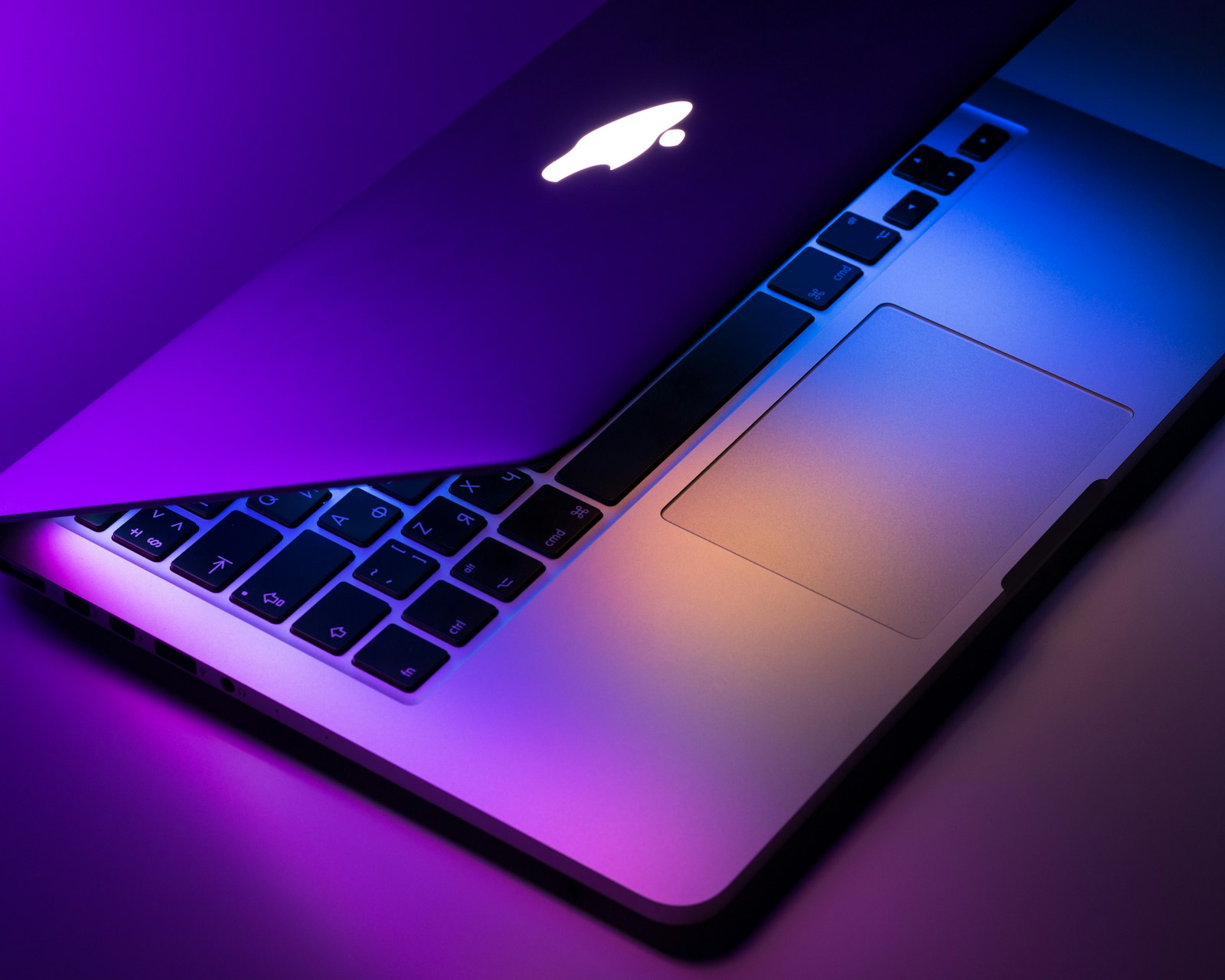
MacBook Buying Guide 2026: Which Mac Laptop Actually Fits Your Workflow
MacBook Air or Pro? 14-inch or 16-inch? M4 or wait for M5? Here’s a no-nonsense buying guide based on wh…
AMD FSR 4 vs NVIDIA DLSS 4: Which Upscaler Looks Better in 2026?
Both upscalers got major upgrades in 2026. We tested both side-by-side across 12 games to see which one actual…
M.2 NVMe vs SATA SSD: Does the Speed Difference Actually Matter?
On paper, NVMe SSDs are 7x faster than SATA. In real-world use, the gap is much smaller — and sometimes invisi…