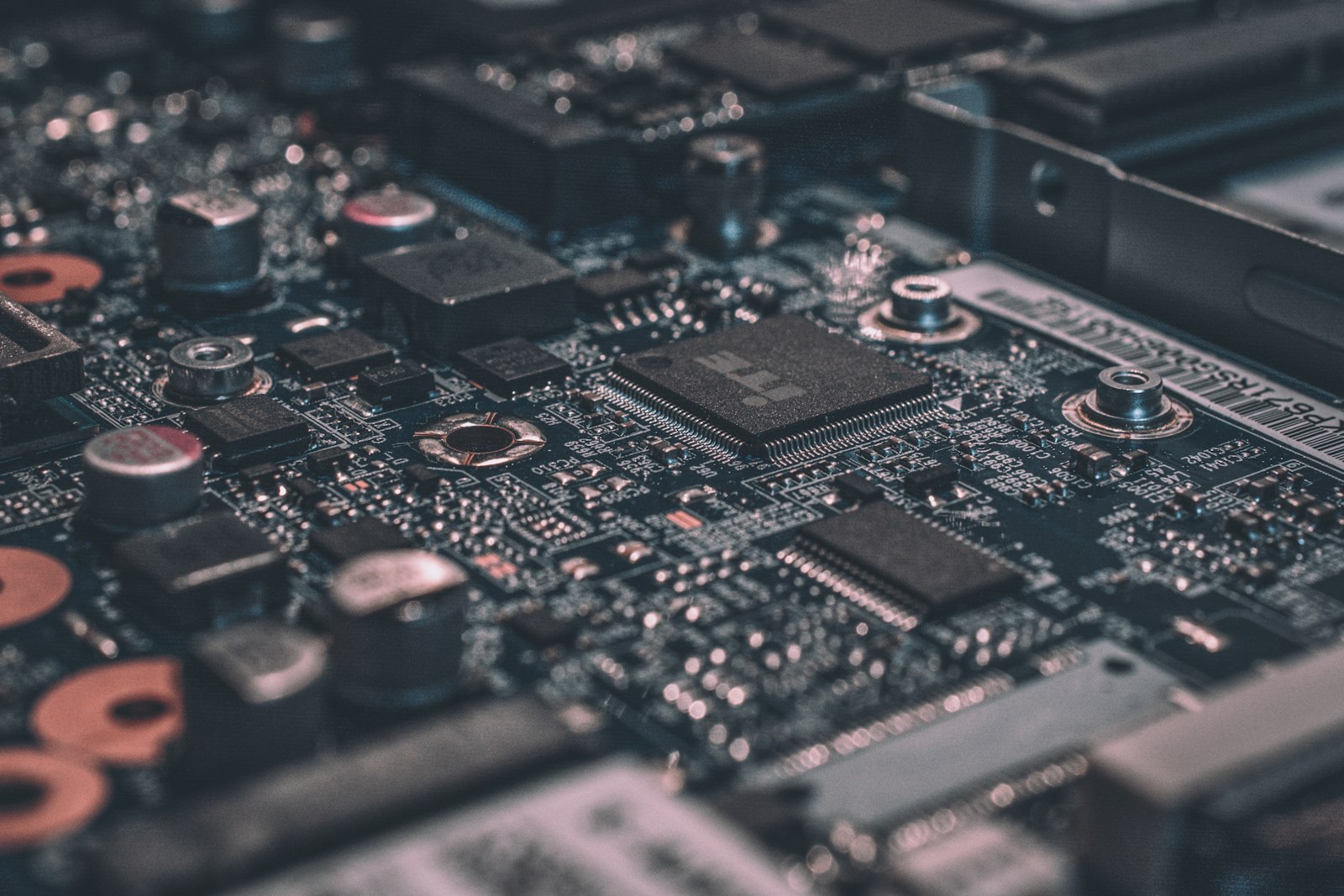
Overclocking went out of fashion for a few years when CPUs auto-boosted aggressively. But in 2026, manual tuning is back — AMD Curve Optimizer and Intel 200S Boost expose enough headroom to gain 8-15% performance with minimal risk.
Should You Overclock?
Probably yes if you have an unlocked CPU (AMD Ryzen X-series, Intel K-series), a decent cooler (240mm AIO or large air cooler), and a quality PSU with overhead. Probably no if you have integrated graphics only, are on a stock cooler, or run a small-form-factor case.
Update Everything First
Update your BIOS to the latest version — overclocking features improve constantly. Update Windows. Update chipset drivers. Update your GPU drivers. Then run your CPU at stock for an hour with HWiNFO logging to establish your baseline.
AMD Curve Optimizer (Recommended for Ryzen)
Curve Optimizer is “underclocking voltage to overclock frequency”. Each Ryzen core has a voltage/frequency curve set at manufacturing. CO lets you shift that curve negatively — the CPU runs cooler and boosts higher within the same power and thermal limits. Free performance, lower temperatures.
Enter BIOS, find Precision Boost Overdrive (PBO) settings. Enable PBO with “Advanced” mode. Set Curve Optimizer to “All Cores” with a value of -10. Save and reboot. Run a stability test. If stable, try -15. If still stable, try -20. The maximum useful CO is about -30 on most chips.
Per-Core Curve Optimizer (Advanced)
For maximum tuning, use per-core CO. The PBO2 tuner tool in Ryzen Master finds the per-core sweet spot automatically — let it run for 2-3 hours, accept its values. Expect single-core boost to increase 75-150 MHz and multi-core clocks to improve 4-8%.
Intel 200S Boost (Arrow Lake)
Intel changed the game with 200S Boost on Z890 boards. It is essentially a one-click overclock for P-cores while keeping E-cores at safe values. Enable “Intel 200S Boost” in BIOS — this typically pushes P-cores by 200-400 MHz. Stability is built in. Test for 2 hours, you are done.
Memory Overclocking (Bigger Wins Than CPU)
The single best overclocking gain in 2026 is RAM speed and timings. Just enabling XMP/EXPO is a “free” 30-40% memory performance increase — and games can gain 10-15% FPS from it. Always enable XMP/EXPO first, before any CPU overclocking.
Stability Testing
Run all three: OCCT Small Data Set AVX2 (30 min — catches Vcore instability), Cinebench R23 multi-thread loop (1 hour — real-world sustained workload), Prime95 Small FFTs or y-cruncher (30 min — worst-case heat and power). If you pass all three with temps under 90°C, you are stable.
What Could Go Wrong
Modern CPUs are well-protected. A bad overclock typically causes a system crash — annoying but harmless. Long-term concerns are voltage-related: sustained voltage above 1.40V (Intel) or 1.30V (AMD) can accelerate electromigration. Stay below these and you have nothing to worry about.
Real-World Expectations
Realistic gains: Ryzen 9 9950X 6-9% multi-thread / 3-5% single-thread; Ryzen 7 9800X3D 4-6% across the board; Intel Core Ultra 9 285K with 200S Boost 5-7%; RAM tuning (DDR5-6000 tight CL30) +5-10% in gaming. Do not expect 25-30% gains like the Sandy Bridge era — modern CPUs are already near their physical limits.
Frequently Asked Questions
How long does this process take?
Do I need any special tools?
Will this void my warranty?
What if something goes wrong?
You Might Also Like
Best CPU for Gaming in 2026: Tested at 1080p, 1440p & 4K
We benchmarked every relevant CPU in 22 games to find the best gaming processor at every budget. Spoiler: more…

How to Pick the Right Power Supply Wattage for Your Build (2026 Calculator + Guide)
The wrong PSU wattage will crash your gaming sessions or waste hundreds of dollars on capacity you’ll ne…
Intel Core Ultra 9 285K vs AMD Ryzen 9 9950X: Which Flagship Wins in 2026?
Two flagship desktop CPUs, two very different architectures. We ran 24 games, 18 productivity benchmarks, and …
Power Supply Buying Guide 2026: Wattage, Efficiency, ATX 3.1 Explained
Your PSU is the single most important component for system stability and longevity. Here’s how to choose…