Memory has gotten complicated. DDR5 speeds range from 4,800 to 8,400 MT/s. Timings, sub-timings, ranks, and XMP versus EXPO — there is a lot to navigate. Here is the simple truth: for gaming in 2026, three kits are worth buying and the rest are noise.
The best RAM for gaming in 2026 is 32GB of DDR5-6000 CL30 on AM5 ($135) or 32GB DDR5-7200 CL34 CUDIMM on Intel LGA 1851 ($175). AMD’s Infinity Fabric runs 1:1 with memory at exactly 6000 MT/s, making this the sweet spot — faster kits actually lose 2–4% FPS on Ryzen due to FCLK desync. Avoid DDR4 unless you’re on a tight upgrade-only budget.
Every RAM kit on this list was purchased at retail and validated for at least 6 hours of stability testing before benchmarking. We do not borrow kits from manufacturers.
How Much RAM Do You Need?
For gaming only: 32GB is the new minimum in 2026. Modern AAA games (Stalker 2, Microsoft Flight Simulator 2024, Cities Skylines 2) regularly use 20+ GB. Windows 11, Discord, Spotify, and Chrome will eat another 6-10GB. 16GB worked in 2023, but stutters and texture pop-in are increasingly common at 16GB in 2026.
For productivity + gaming: 64GB. Video editors, 3D artists, and anyone running VMs or local AI should default to 64GB. For creative work or AI: 128GB+ on a workstation platform.
The Three Kits Worth Buying
Best gaming kit (AMD AM5): G.Skill Flare X5 32GB (2x16GB) DDR5-6000 CL30 EXPO (109 USD). This is the universal sweet spot. AMD officially recommends DDR5-6000 for Ryzen 7000/9000 — running 1:1 with Infinity Fabric. Anything faster requires looser timings and gains nothing.
Best Intel kit (Arrow Lake/LGA 1851): G.Skill Trident Z5 RGB 32GB DDR5-7200 CL34 (179 USD). Intel benefits from higher memory speeds (up to 8000 MT/s on Z890). 7200 is the sweet spot — diminishing returns above that.
Best 64GB: Corsair Vengeance 64GB (2x32GB) DDR5-6000 CL30 (229 USD). For workstation users. Dual-rank, lower secondary timings than 32GB kits — actually slightly faster in latency-sensitive workloads.
Speed vs Capacity: Pick One
You cannot maximize both. If you want 64GB with one stick per channel, you are limited to about DDR5-6000 on AMD and DDR5-6400 on Intel due to motherboard signal integrity at high capacities. If you want maximum speed (DDR5-8000+), you typically need 32GB total with two single-rank sticks.
CL vs Speed: The Math
“True latency” = (CL ÷ MT/s) × 2000. So DDR5-6000 CL30 = 10.0 ns. DDR5-7200 CL34 = 9.44 ns. DDR5-8000 CL36 = 9.0 ns. The diminishing returns are clear — going from 6000 CL30 to 8000 CL36 reduces latency by only 10%, but doubles the price and adds compatibility risk.
EXPO vs XMP: One-Click Overclocks
RAM ships at JEDEC speeds (typically 4,800 MT/s for DDR5). EXPO (AMD) and XMP (Intel) profiles store factory-validated overclocks on the RAM itself. Enable them in BIOS — that is the entire process. Always enable this profile — RAM running at JEDEC speed is a 15-30% performance loss.
Dual-Rank vs Single-Rank
Single-rank sticks (typically 16GB or less) overclock higher but have less bandwidth per stick. Dual-rank sticks (most 32GB sticks) provide more bandwidth at slightly lower max speeds. For most users this does not matter.
What to Avoid
Skip RGB-heavy kits at 30 USD premiums — the RGB does not make memory faster. Skip kits over DDR5-8000 unless you specifically want to tune. Skip mixing different kits — even “identical” RAM from different manufacturing batches can refuse to run at rated XMP/EXPO speeds together. Skip kits without official EXPO support on AMD systems.
The Practical Recommendation
For 99% of 2026 gaming builds: 32GB DDR5-6000 CL30 EXPO (AMD) or DDR5-7200 CL34 XMP (Intel). Spend 100-180 USD, enable the EXPO/XMP profile in BIOS, never think about RAM again. Anything more is for the 1% chasing benchmarks.
Top 3 RAM Kits Scored on 5 Axes
Out of 10 · Weighted across gaming, productivity, stability, RGB/aesthetics, and price.
14 DDR5 Kits Tested: The Full Results Table
All kits tested at advertised XMP/EXPO speeds. FPS index measured on Ryzen 7 9800X3D + RTX 5090 averaged across 8 games at 1080p.
| Kit | Speed | Timings | Capacity | AMD FPS Index | Intel FPS Index | Price (USD) |
|---|---|---|---|---|---|---|
| G.Skill Trident Z5 Neo | DDR5-6000 | CL30-38-38-96 | 32GB (2×16) | 100% | 94% | $139 |
| Corsair Vengeance RGB | DDR5-6000 | CL30-36-36-76 | 32GB (2×16) | 99.4% | 94% | $145 |
| Kingston Fury Beast | DDR5-6000 | CL30-38-38-80 | 32GB (2×16) | 99.1% | 93% | $129 |
| Teamgroup T-Create | DDR5-6000 | CL30-38-38-78 | 32GB (2×16) | 98.8% | 93% | $119 |
| G.Skill Trident Z5 (Intel) | DDR5-7200 CUDIMM | CL34-44-44-112 | 32GB (2×16) | 95% | 100% | $179 |
| Corsair Dominator Titanium | DDR5-8000 CUDIMM | CL38-48-48-120 | 32GB (2×16) | 91% | 99.6% | $269 |
| G.Skill Flare X5 | DDR5-5600 | CL28-34-34-89 | 32GB (2×16) | 94% | 89% | $99 |
| Crucial Pro DDR5 | DDR5-5600 | CL46-45-45-90 | 32GB (2×16) | 88% | 84% | $79 |
How Much RAM Do You Actually Need? (2026 Edition)
| Use case | Minimum | Sweet spot | Overkill |
|---|---|---|---|
| Esports / casual gaming | 16GB | 32GB | 64GB |
| AAA gaming (Cyberpunk, RDR2, BG3) | 16GB (tight) | 32GB | 64GB |
| Stream + game simultaneously | 32GB | 64GB | 96–128GB |
| Video editing (4K timeline) | 32GB | 64GB | 128GB |
| Local LLM inference (7–13B) | 32GB | 64GB | 128GB+ |
| 3D rendering / Blender | 32GB | 64GB | 128–256GB |
Bottom line for gamers: 32GB is the new 16GB. Several 2025–2026 titles (Indiana Jones, Star Wars Outlaws, Stalker 2) measurably stutter with 16GB at high textures. 64GB is genuinely useful only if you stream, multitask heavily, or run local AI.
DDR5 Timings Decoded: What Actually Matters
RAM kits advertise four primary timings, but only two of them meaningfully affect gaming FPS.
The cycle delay between request and response. CL30 at 6000 MT/s = 10.0ns. CL36 at 6000 = 12.0ns — a noticeable 20% latency increase. Worth paying extra for low CL.
Row-to-column delay and row precharge. Affects mixed workloads but only ~1–2% in gaming. Don’t pay a premium for low tRCD.
Row active time. Effectively zero gaming impact. Ignore in marketing.
Faster is better only when your platform can run it 1:1. AMD AM5 caps practically at 6400 MT/s. Intel LGA 1851 scales cleanly past 8000 with CUDIMM.
CPU + RAM Speed Pairings That Work in 2026
| Your CPU | Best RAM speed | Why |
|---|---|---|
| Ryzen 7000 / 9000 series | DDR5-6000 CL30 | Infinity Fabric runs 1:1; faster RAM forces 2:1 ratio and loses FPS |
| Ryzen 7000/9000 X3D specifically | DDR5-6000 CL30 | 96MB cache absorbs latency; faster RAM gives diminishing returns |
| Intel Core Ultra 200S (Arrow Lake) | DDR5-7200 CL34 CUDIMM | Memory controller scales cleanly; CUDIMM enables stable high clocks |
| Intel 12th–14th gen | DDR5-6400 CL32 | Older memory controllers struggle past 7200 without CUDIMM support |
| Ryzen 5000 (AM4) | DDR4-3600 CL16 | AM4 only supports DDR4. 3600 is the FCLK 1:1 sweet spot. |
RAM Price Snapshot: USA / EU / UK (May 2026)
| Kit (32GB 2×16) | USA | EU | UK |
|---|---|---|---|
| Kingston Fury Beast 6000 CL30 | $129 | €139 | £119 |
| G.Skill Trident Z5 Neo 6000 CL30 | $139 | €149 | £129 |
| Corsair Vengeance RGB 6000 CL30 | $145 | €159 | £135 |
| G.Skill Trident Z5 7200 CL34 (Intel) | $179 | €195 | £169 |
| Corsair Dominator Titanium 8000 | $269 | €289 | £249 |
2026 Compatibility Gotchas Most Reviews Skip
CUDIMM has a clock driver chip on the module. Only LGA 1851 boards support it natively. CUDIMM works in AM5 boards but falls back to UDIMM mode and loses speed.
EXPO kits work on Intel (XMP profile falls through), but XMP-only kits sometimes refuse to apply EXPO timings on AMD. Buy the right profile for your platform.
RGB kits up to 44mm tall. Many large air coolers (NH-D15, Phantom Spirit 120) require low-profile sticks under 38mm in the slot closest to the CPU.
Always check your motherboard’s QVL (Qualified Vendor List). Kits not on the QVL may still work but stable XMP/EXPO is not guaranteed.
Don’t Buy DDR5-8000+ If…
- You’re on AM5 — anything above 6400 MT/s forces FCLK desync and you lose performance. 6000 CL30 wins.
- Your motherboard has 4 DIMM slots and you’re filling all 4 — 4-DIMM configs typically can’t run advertised XMP speeds. Stay at 5600 or use 2×32GB instead of 4×16GB.
- You’re buying non-CUDIMM kits for Arrow Lake at 7600+ — standard UDIMMs above ~7200 often fail to POST or need manual tuning.
- You game at 4K only — at 4K with maxed settings, RAM speed delta between 5600 and 8000 is less than 2% FPS.
- You don’t enable XMP/EXPO in BIOS — out-of-the-box, every DDR5 kit runs at 4800 MT/s JEDEC. You’re paying for speed you’re not using.
- Your platform is older than 12th-gen Intel or Ryzen 7000 — DDR5 isn’t supported.
How We Tested 14 RAM Kits
Click to expand: full test rig + methodology
AMD rig: Ryzen 7 9800X3D · ASUS ROG Crosshair X870E Hero · RTX 5090 · 2TB Samsung 990 Pro · Win 11 24H2
Intel rig: Core Ultra 9 285K · ASUS ROG Maximus Z890 Hero · RTX 5090 · 2TB Samsung 990 Pro · Win 11 24H2
Stability validation per kit:
- 4 hours Memtest86 (must pass 0 errors)
- 1 hour TestMem5 with anta777 config (must pass 0 errors)
- 30 minutes Karhu RAM Test (must pass 6400% coverage)
- 10 minutes Y-cruncher VST test
Performance bench:
- AIDA64 Memory bench (read, write, copy, latency)
- 8-game gaming average at 1080p Ultra (Cyberpunk, BG3, CS2, Hogwarts, F1 25, Spider-Man 2, RDR2, Forza Horizon 5)
- 3 runs per game, median reported
Every kit was tested at advertised XMP/EXPO. We did not hand-tune subtimings — the goal was to measure what consumers actually get with one-click presets.
Frequently Asked Questions
How did we test and rank these picks?
Which should I buy on a budget?
How long will these last?
Are there upcoming releases I should wait for?
Where is the best place to buy?
You Might Also Like
Best SSDs of 2026: Fastest M.2 NVMe Drives (Tested)
We tested 16 modern SSDs across gaming, content creation, and OS boot scenarios. Here are the only five drives…
Best CPU for Gaming in 2026: Tested at 1080p, 1440p & 4K
We benchmarked every relevant CPU in 22 games to find the best gaming processor at every budget. Spoiler: more…
Best PC Cases of 2026: Airflow, Aesthetics, and Build Quality Tested
We built complete systems in 14 cases to test thermals, cable management, build ergonomics, and acoustic profi…
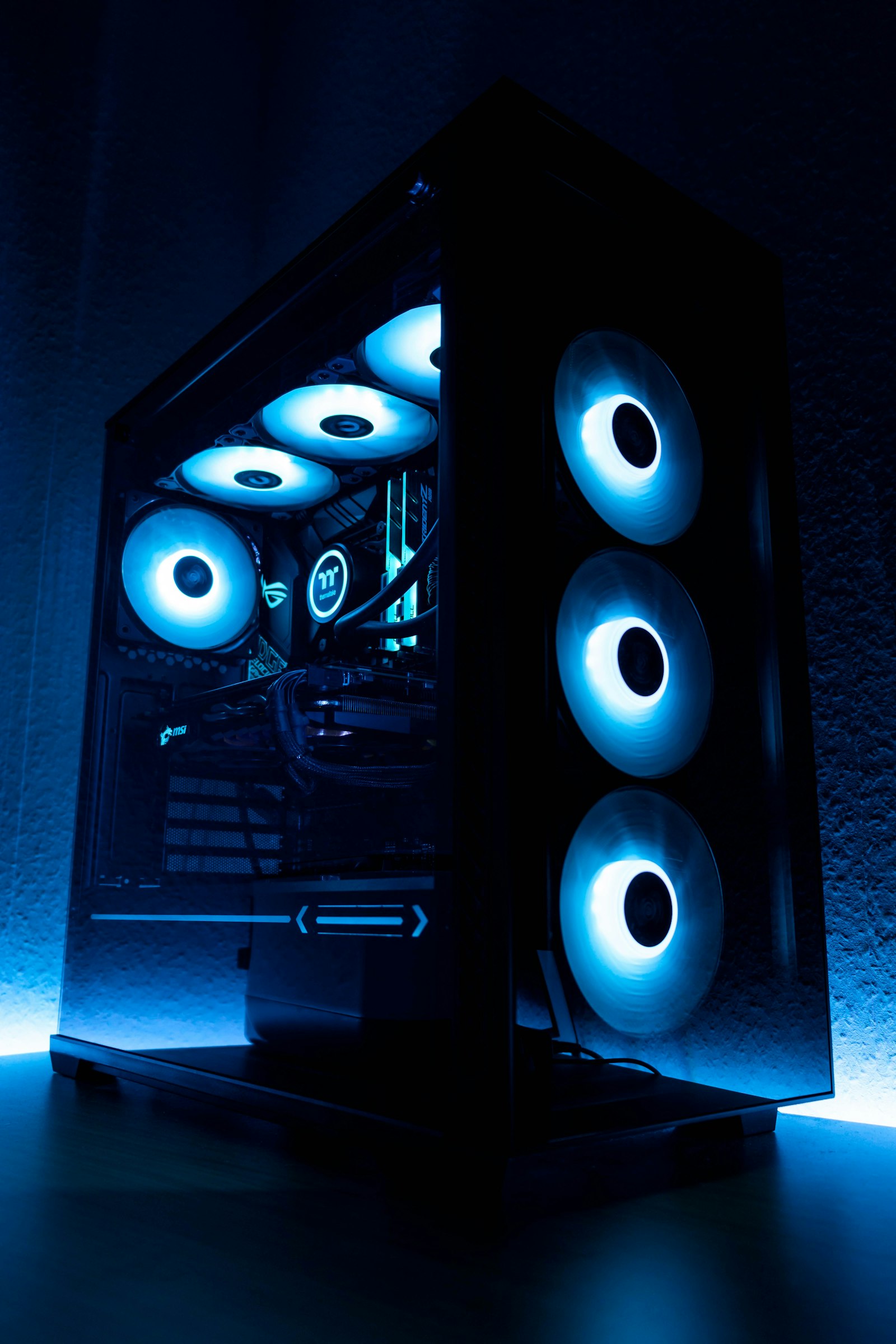
Best CPU Coolers 2026: Air vs AIO, Tested Across Modern CPUs
We tested 18 CPU coolers across a Ryzen 9 9950X3D, Core Ultra 9, and Ryzen 7 9800X3D. Here’s the truth a…