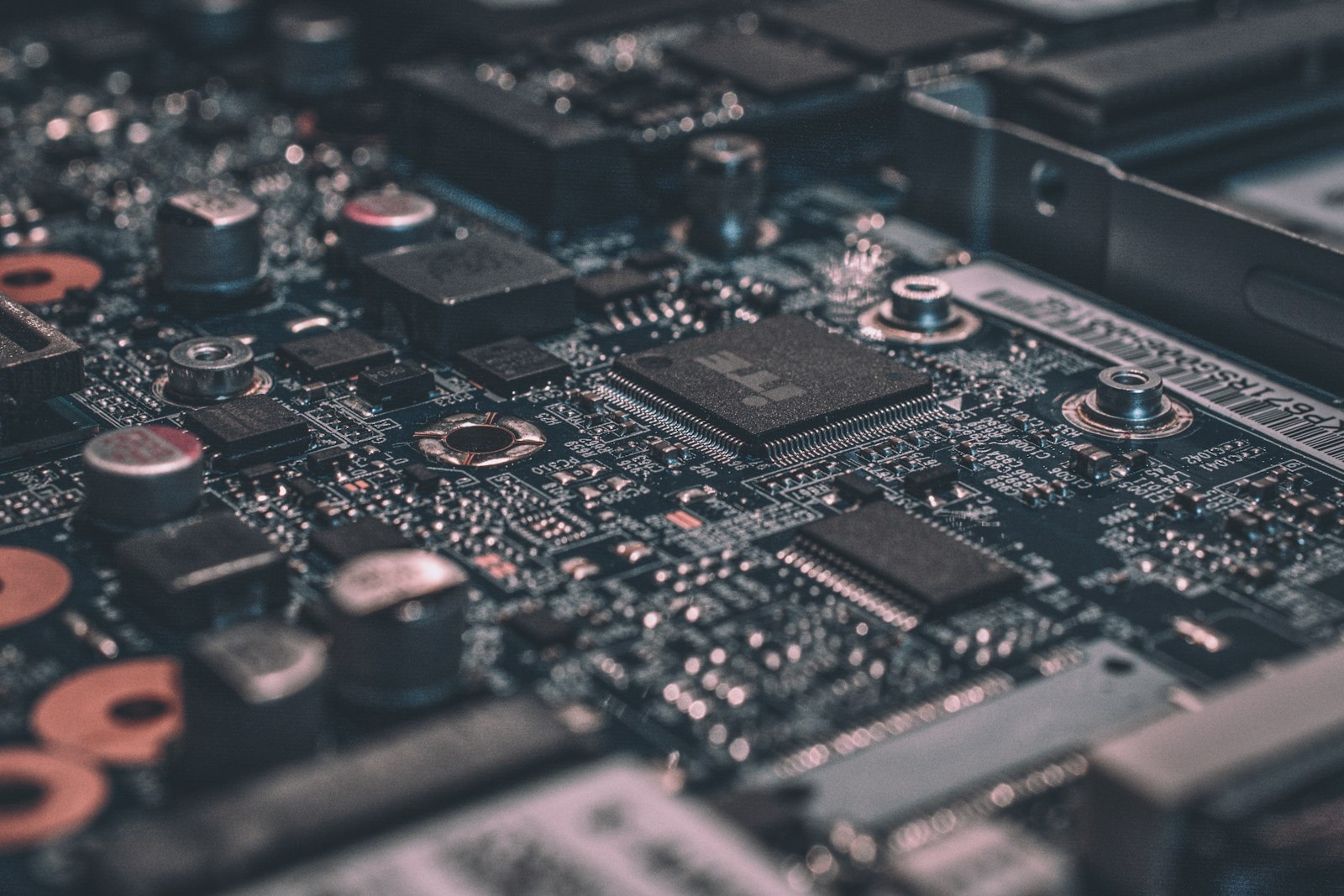
Memory has gotten complicated. DDR5 speeds range from 4,800 to 8,400 MT/s. Timings, sub-timings, ranks, and XMP versus EXPO — there is a lot to navigate. Here is the simple truth: for gaming in 2026, three kits are worth buying and the rest are noise.
How Much RAM Do You Need?
For gaming only: 32GB is the new minimum in 2026. Modern AAA games (Stalker 2, Microsoft Flight Simulator 2024, Cities Skylines 2) regularly use 20+ GB. Windows 11, Discord, Spotify, and Chrome will eat another 6-10GB. 16GB worked in 2023, but stutters and texture pop-in are increasingly common at 16GB in 2026.
For productivity + gaming: 64GB. Video editors, 3D artists, and anyone running VMs or local AI should default to 64GB. For creative work or AI: 128GB+ on a workstation platform.
The Three Kits Worth Buying
Best gaming kit (AMD AM5): G.Skill Flare X5 32GB (2x16GB) DDR5-6000 CL30 EXPO (109 USD). This is the universal sweet spot. AMD officially recommends DDR5-6000 for Ryzen 7000/9000 — running 1:1 with Infinity Fabric. Anything faster requires looser timings and gains nothing.
Best Intel kit (Arrow Lake/LGA 1851): G.Skill Trident Z5 RGB 32GB DDR5-7200 CL34 (179 USD). Intel benefits from higher memory speeds (up to 8000 MT/s on Z890). 7200 is the sweet spot — diminishing returns above that.
Best 64GB: Corsair Vengeance 64GB (2x32GB) DDR5-6000 CL30 (229 USD). For workstation users. Dual-rank, lower secondary timings than 32GB kits — actually slightly faster in latency-sensitive workloads.
Speed vs Capacity: Pick One
You cannot maximize both. If you want 64GB with one stick per channel, you are limited to about DDR5-6000 on AMD and DDR5-6400 on Intel due to motherboard signal integrity at high capacities. If you want maximum speed (DDR5-8000+), you typically need 32GB total with two single-rank sticks.
CL vs Speed: The Math
“True latency” = (CL ÷ MT/s) × 2000. So DDR5-6000 CL30 = 10.0 ns. DDR5-7200 CL34 = 9.44 ns. DDR5-8000 CL36 = 9.0 ns. The diminishing returns are clear — going from 6000 CL30 to 8000 CL36 reduces latency by only 10%, but doubles the price and adds compatibility risk.
EXPO vs XMP: One-Click Overclocks
RAM ships at JEDEC speeds (typically 4,800 MT/s for DDR5). EXPO (AMD) and XMP (Intel) profiles store factory-validated overclocks on the RAM itself. Enable them in BIOS — that is the entire process. Always enable this profile — RAM running at JEDEC speed is a 15-30% performance loss.
Dual-Rank vs Single-Rank
Single-rank sticks (typically 16GB or less) overclock higher but have less bandwidth per stick. Dual-rank sticks (most 32GB sticks) provide more bandwidth at slightly lower max speeds. For most users this does not matter.
What to Avoid
Skip RGB-heavy kits at 30 USD premiums — the RGB does not make memory faster. Skip kits over DDR5-8000 unless you specifically want to tune. Skip mixing different kits — even “identical” RAM from different manufacturing batches can refuse to run at rated XMP/EXPO speeds together. Skip kits without official EXPO support on AMD systems.
The Practical Recommendation
For 99% of 2026 gaming builds: 32GB DDR5-6000 CL30 EXPO (AMD) or DDR5-7200 CL34 XMP (Intel). Spend 100-180 USD, enable the EXPO/XMP profile in BIOS, never think about RAM again. Anything more is for the 1% chasing benchmarks.
Frequently Asked Questions
How did we test and rank these picks?
Which should I buy on a budget?
How long will these last?
Are there upcoming releases I should wait for?
Where is the best place to buy?
You Might Also Like
Best SSDs of 2026: Fastest M.2 NVMe Drives (Tested)
We tested 16 modern SSDs across gaming, content creation, and OS boot scenarios. Here are the only five drives…
Best CPU for Gaming in 2026: Tested at 1080p, 1440p & 4K
We benchmarked every relevant CPU in 22 games to find the best gaming processor at every budget. Spoiler: more…
Best PC Cases of 2026: Airflow, Aesthetics, and Build Quality Tested
We built complete systems in 14 cases to test thermals, cable management, build ergonomics, and acoustic profi…
Best CPU Coolers 2026: Air vs AIO, Tested Across Modern CPUs
We tested 18 CPU coolers across a Ryzen 9 9950X3D, Core Ultra 9, and Ryzen 7 9800X3D. Here’s the truth a…