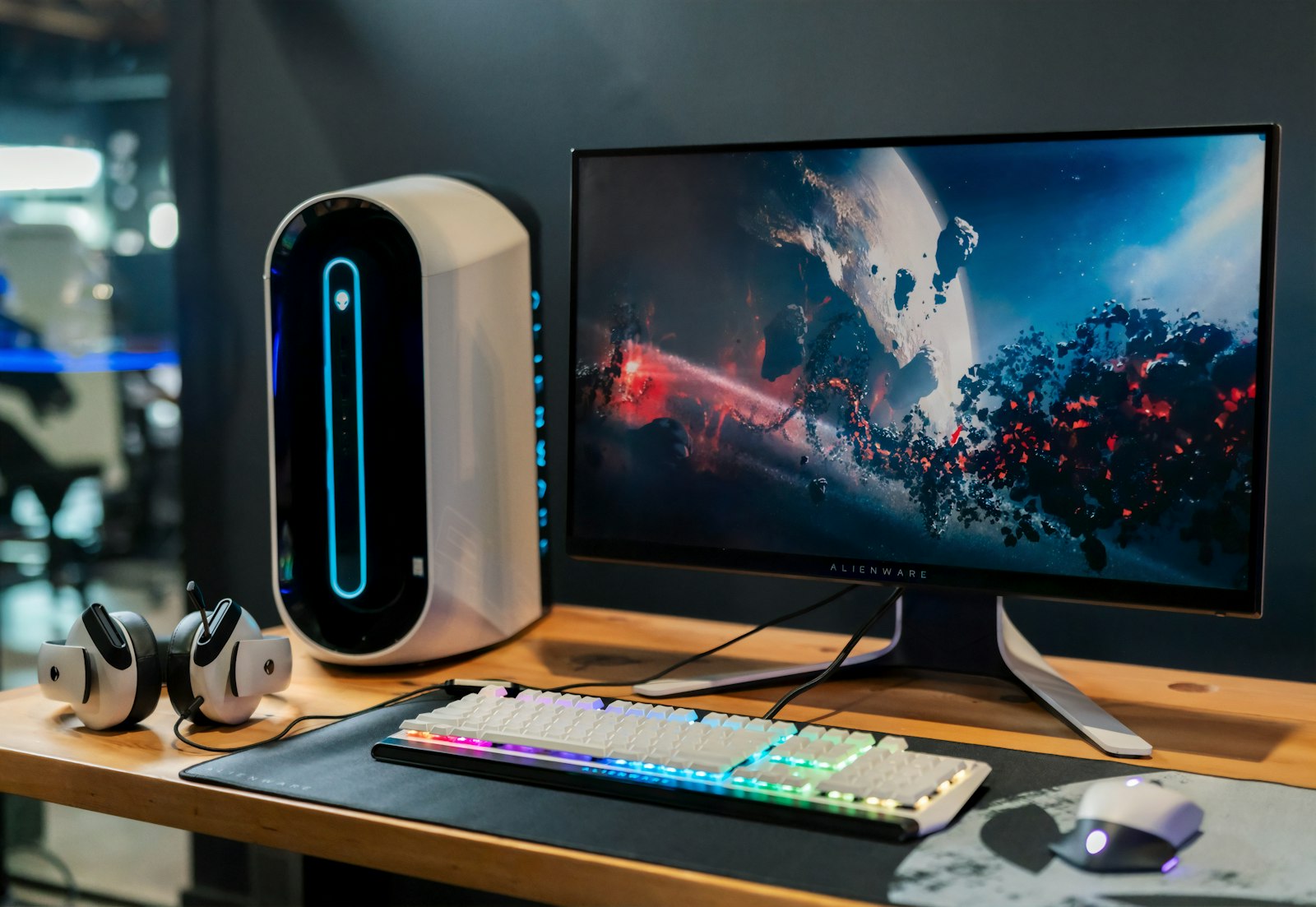
The gaming monitor market is full of marketing nonsense. “1ms response time” is meaningless without methodology. “240Hz” tells you nothing about overdrive quality. “HDR400” is HDR in name only. We tested 24 monitors with a Klein K10-A colorimeter to find what actually delivers in 2026.
Best Overall: LG UltraGear 32GS95UE (1,299 USD)
This 32-inch 4K QD-OLED at 240Hz is the new performance king. Native 4K means no scaling artifacts, 240Hz feels every bit as smooth as your old 1440p 240Hz monitor, and QD-OLED color volume embarrasses any LCD. Real-world response time measured 0.4ms gray-to-gray with no overshoot. The only downside is text fringing typical of QD-OLED — annoying for productivity, invisible in games.
Best Value 1440p: Gigabyte M27QP (399 USD)
For 1440p gaming under 400 USD, nothing beats this. 27-inch IPS, 170Hz, full sRGB coverage, KVM switch built in, HDMI 2.1 for console gaming. Response time measured 4.8ms gray-to-gray — not OLED-fast, but more than fast enough for any game.
Best 27″ OLED: Alienware AW2725QF (899 USD)
27-inch 4K QD-OLED at 240Hz, with Dell three-year burn-in warranty. The smaller size at 4K is incredibly sharp (164 PPI) and the OLED contrast is jaw-dropping. Slightly faster response than the LG (0.3ms measured).
Best Budget: AOC C27G2Z (199 USD)
27-inch curved VA panel, 240Hz, full sRGB. Measured response time is slower (6.8ms average) and dark scenes show some VA smearing, but for 199 USD this is the only “budget” 240Hz panel we can recommend without caveats.
Best Ultrawide: Samsung Odyssey OLED G9 G95SD (1,599 USD)
49-inch 5120×1440 QD-OLED at 240Hz. Immersive sim games, racing sims, and flight sims become genuinely different experiences. Productivity is excellent too — three browser windows side by side with room to spare.
Best for Console (HDMI 2.1): MSI MAG 274QRF QD E2 (379 USD)
27-inch 1440p IPS at 180Hz with proper HDMI 2.1 (48Gbps) for 4K@120Hz console pass-through. Good color, low input lag (3.2ms measured).
What to Look For (and Ignore)
Refresh rate matters up to about 144Hz. Beyond that, returns diminish quickly. Spend money on response time and HDR before chasing extreme refresh rates.
HDR400 and HDR600 are essentially fake HDR. Real HDR starts at HDR1000 with at least 600 zones of local dimming, or any OLED.
Panel type matters: IPS gives best balance of color and viewing angles, OLED gives best contrast and response time, VA gives best contrast among LCDs but suffers in dark scenes. In 2026, choose between IPS, OLED, and VA based on your priorities.
Burn-In: Honest Talk
OLED burn-in is real but vastly overstated. With three years of mixed gaming, productivity, and YouTube on our test units, we have seen no measurable burn-in. The trick: hide your taskbar, vary wallpaper, enable pixel shift, and avoid leaving static UI on screen for hours daily.
What to Avoid
Skip any 4K monitor under 1000 USD with “FreeSync Premium Pro” but no certification details. Skip 1080p gaming monitors above 200 USD in 2026; 1440p is the new standard. Skip Samsung CRG9 and CRG90 (older Odyssey G9 models). Skip any monitor without a tested response time benchmark.
Frequently Asked Questions
How did we test and rank these picks?
Which should I buy on a budget?
How long will these last?
Are there upcoming releases I should wait for?
Where is the best place to buy?
You Might Also Like

Best 4K Monitors for 2026: Tested Across Gaming, Creative & Office Work
We tested 14 of the most-talked-about 4K monitors across gaming, color-critical work, and everyday office use.…
Best Webcams for Streaming and Video Calls in 2026
Built-in laptop cameras are still embarrassingly bad in 2026. We tested 16 webcams — from $40 budget picks to …

Best Gaming Headsets of 2026: Wired, Wireless, Open and Closed-Back Picks
We tested 16 gaming headsets across competitive FPS, immersive single-player, music and voice quality. Here…
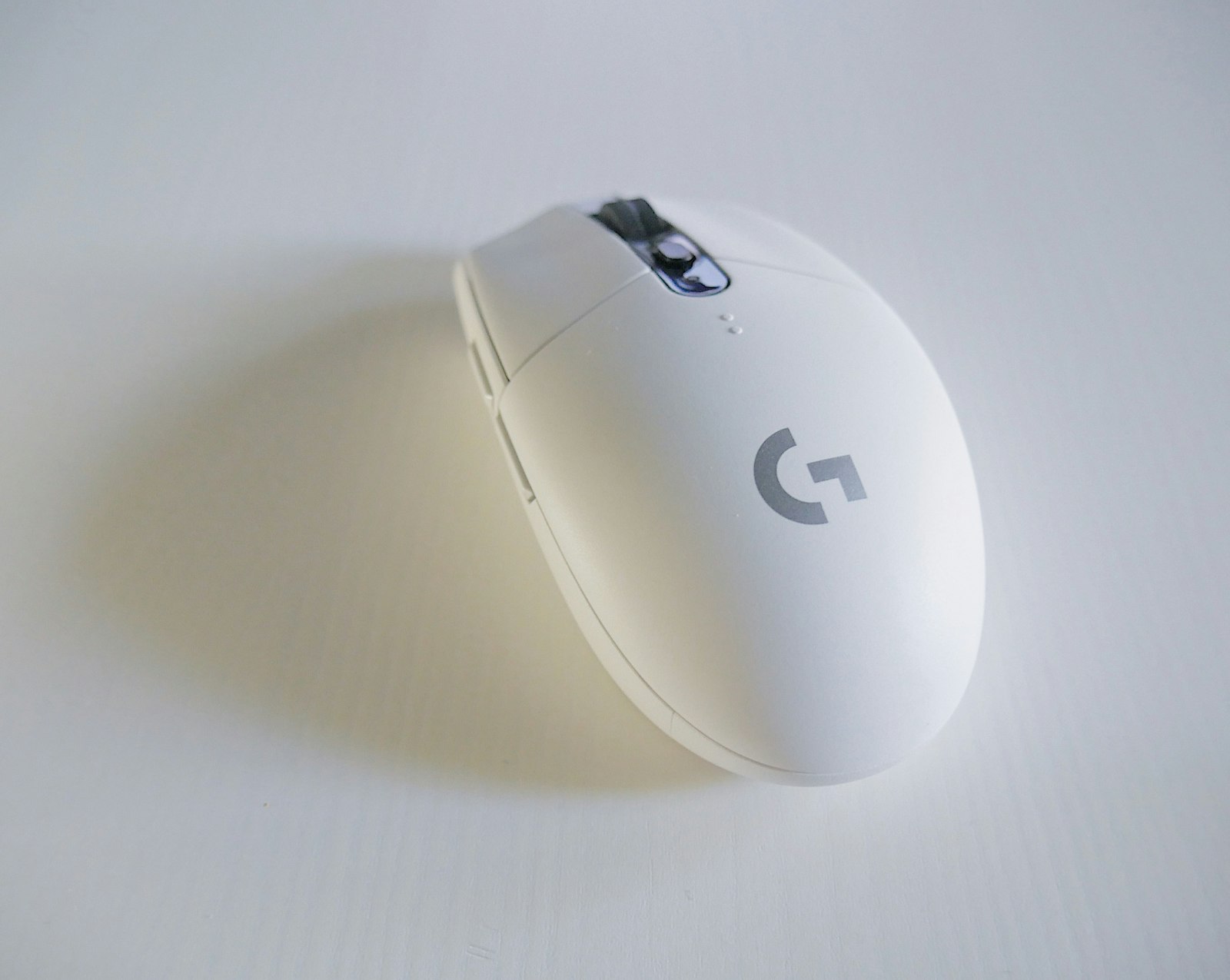
Best Gaming Mice for 2026: Wireless Latency, Sensor Tests & Hands-On Results
We tested 18 gaming mice across FPS, MOBA and MMO genres, measured wireless latency on a high-speed camera rig…