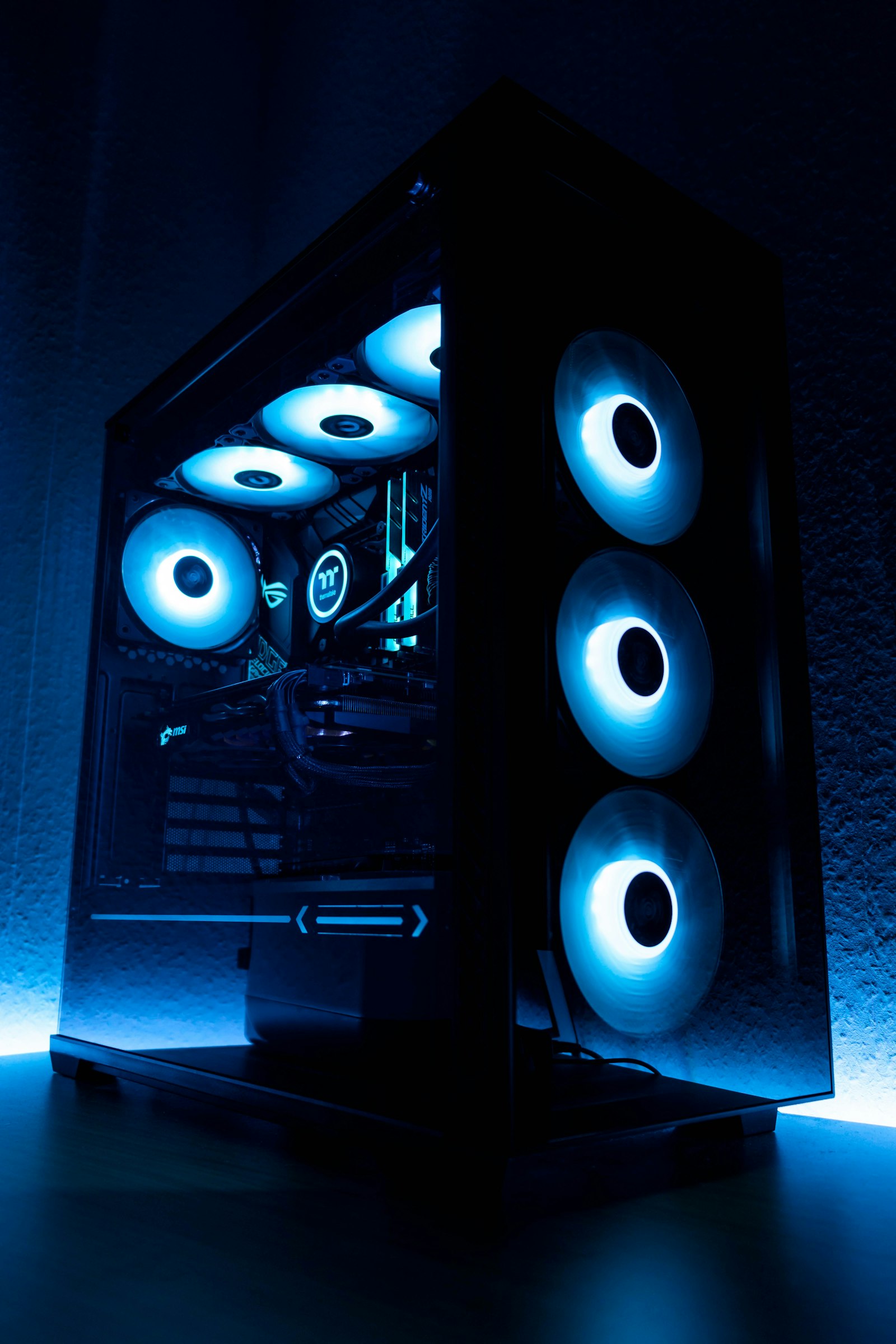
Building a PC in 2026 is the best value it has been in three years. Component prices have stabilized, DDR5 is cheap, and there are excellent options at every tier. Here are five complete builds, each independently spec-checked for compatibility and value.
500 USD Budget Esports Build
Targets 1080p high settings at 144Hz in esports titles (CS2, Valorant, Apex). 4K productivity is fine; modern AAA gaming requires settings compromises.
- CPU: AMD Ryzen 5 5500GT (89 USD) — integrated graphics included
- Motherboard: ASRock A520M-HVS (55 USD)
- RAM: Crucial 16GB DDR4-3200 kit (35 USD)
- Storage: WD Blue SN5000 1TB NVMe (69 USD)
- GPU: integrated (or add RX 6500 XT for 130 USD)
- PSU: EVGA 500 W1 (45 USD)
- Case: DeepCool MATREXX 30 (45 USD)
900 USD 1440p Gaming Build
The sweet spot. 1440p Ultra at 60+ FPS in everything, 100+ FPS in most games.
- CPU: AMD Ryzen 5 7600 (179 USD)
- Motherboard: ASRock B650M PG Lightning (130 USD)
- RAM: G.Skill Flare X5 32GB DDR5-6000 CL30 (95 USD)
- Storage: WD Black SN850X 1TB (89 USD)
- GPU: AMD Radeon RX 7800 XT (419 USD) or RTX 4070 Super (549 USD)
- PSU: Corsair RM750e (109 USD)
- Case: Lian Li LANCOOL 216 (109 USD)
1,500 USD High-Refresh 1440p Build
1440p 144Hz Ultra with ray tracing in most titles. Future-proof for 4-5 years.
- CPU: AMD Ryzen 7 9800X3D (449 USD)
- Motherboard: MSI B850 Tomahawk WiFi (199 USD)
- RAM: 32GB DDR5-6000 CL30 EXPO (109 USD)
- Storage: Crucial T705 1TB PCIe 5.0 (139 USD)
- GPU: NVIDIA RTX 4070 Ti Super (749 USD)
- PSU: Corsair RM850e (129 USD)
- Case: Fractal North (130 USD)
- Cooler: Noctua NH-U12A (89 USD)
2,500 USD 4K Gaming Build
Pure 4K Ultra at 60-120 FPS, ray tracing enabled, no compromises.
- CPU: AMD Ryzen 7 9800X3D (449 USD)
- Motherboard: ASUS ROG Strix B850-E WiFi (319 USD)
- RAM: 64GB DDR5-6000 CL30 (199 USD)
- Storage: 2x Samsung 9100 Pro 2TB (398 USD)
- GPU: NVIDIA RTX 5090 (1,599 USD)
- PSU: Corsair HX1000i (249 USD)
- Case: Fractal Torrent (199 USD)
- Cooler: ARCTIC Liquid Freezer III 360 (149 USD)
5,000 USD Creator Workstation Build
For video editors, 3D artists, and game devs. Threadripper or top-end Intel with massive memory and storage.
- CPU: AMD Threadripper 7970X (2,499 USD) or Intel Core Ultra 9 285K (599 USD)
- Motherboard: ASUS Pro WS WRX90E-SAGE SE (1,099 USD) or Z890 Aero (399 USD)
- RAM: 128GB DDR5-5600 ECC RDIMM (799 USD) or 96GB DDR5-7200 (479 USD)
- Storage: 4TB Samsung 9100 Pro + 16TB Seagate IronWolf Pro (479 + 299 USD)
- GPU: NVIDIA RTX 6000 Ada (6,999 USD) or RTX 5090 (1,599 USD)
- PSU: be quiet! Dark Power Pro 12 1500W (449 USD)
- Case: Fractal Define 7 XL (249 USD)
- Cooler: ARCTIC Liquid Freezer III 420 (179 USD)
Universal Build Tips
Spend 60% of your budget on GPU + CPU for gaming, 50/50 for productivity. Never cheap out on PSU — buy 80+ Gold minimum from Corsair/Seasonic/EVGA. DDR5-6000 CL30 is the sweet spot for AMD; DDR5-7200 CL34 for Intel. A 360mm AIO is overkill for anything below a 9950X — most builds run quieter with a good air cooler like Noctua NH-D15 or Thermalright Phantom Spirit.
Build Order
Install CPU and RAM on motherboard outside the case. Mount the cooler. Test boot outside the case before installing — POSTs to BIOS confirms everything works. Then install in case in this order: PSU first, then motherboard, then storage, then GPU, then cables last. Always do cable management as you go — fixing it later is 10x harder.
Frequently Asked Questions
How did we test and rank these picks?
Which should I buy on a budget?
How long will these last?
Are there upcoming releases I should wait for?
Where is the best place to buy?
You Might Also Like
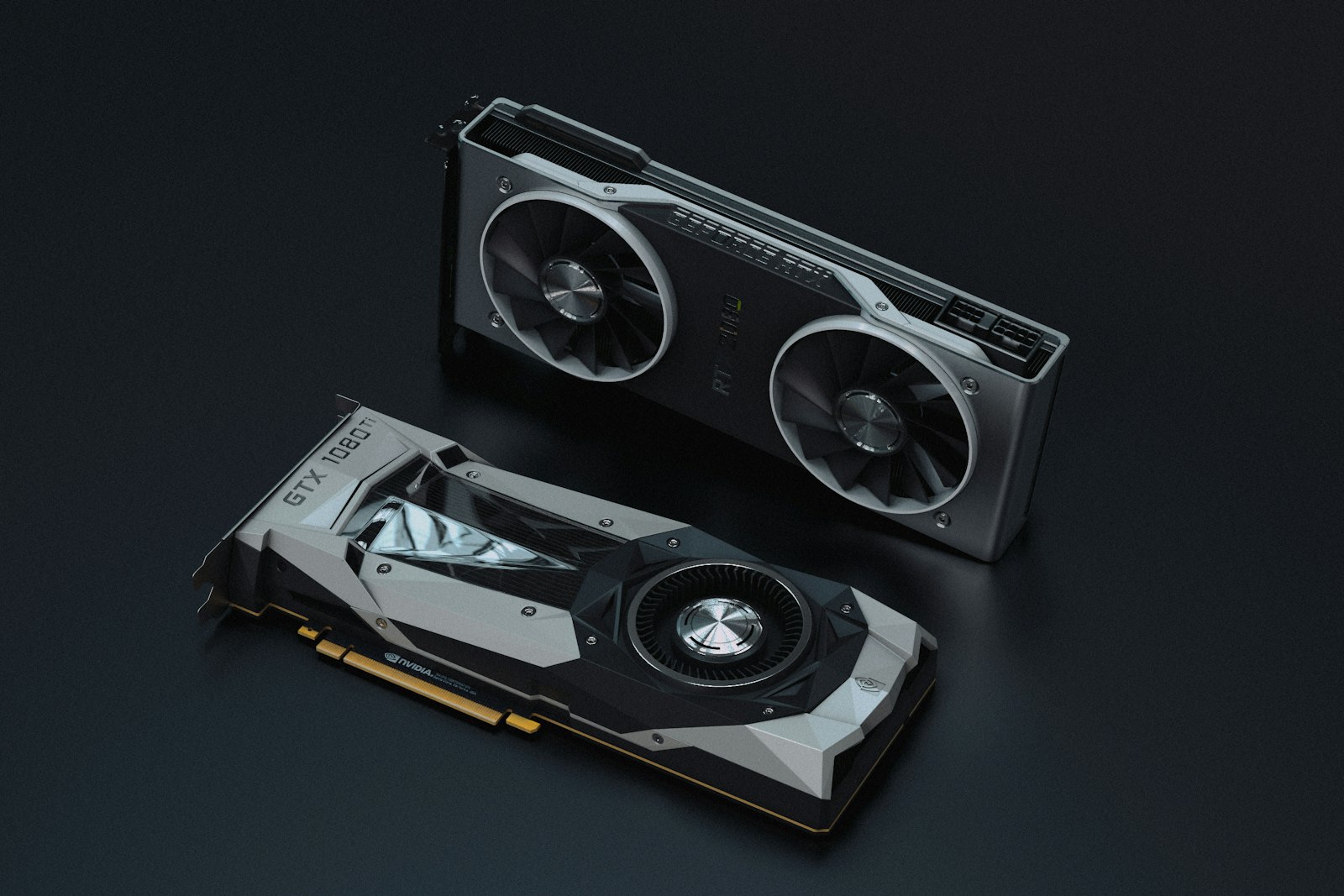
PC Won’t Turn On? 12 Fixes That Actually Work (2026 Guide)
When your PC will not boot, panic is the worst response. Here is the systematic checklist we use in our test l…
How to Clean Your PC Without Breaking Anything: The 2026 Guide
Dust kills more PCs than power surges. Here’s how to do a thorough, safe cleaning that adds years to you…
Best Pre-Built Gaming PCs of 2026: Tested Across Every Price Range
Building isn’t for everyone. We tested 18 pre-built gaming PCs across $800 to $5,000 to find the ones th…
How to Build a Gaming PC in 2026: Step-by-Step Guide
A complete, beginner-friendly guide to assembling your first gaming PC — from picking parts to first boot. Wit…